For Jira Cloud · Built on Atlassian Forge

TreeCraft: Issue Hierarchies

Put issues from any project into one tree, as deep as you need. Rules keep it up to date. Totals, progress and formulas roll up the branches. And when the numbers are right, you can write them back to Jira.

A hierarchy called Product roadmap 2027: an epic with stories and sub-tasks under it, a folder holding a task, and status, assignee and priority columns.

What it does

Jira gives you epics, issues and sub-tasks. Real work rarely fits in three levels or one project. TreeCraft lets you arrange it the way your team thinks about it.

Trees across projects

Mix issues from any project, at any depth. Add folders, memos and planning items for work that isn't an issue yet. Drag rows around, or use the keyboard, cut and paste.

Rules that build the tree

Pull issues in from a JQL query, a board, a text search or another hierarchy. Bring in sub-tasks, children and linked issues. Filter, sort and group by any field. The tree refreshes when Jira changes.

Totals, progress and formulas

Show any Jira field and edit it in place. Add up estimates and story points over each branch, track progress, time in status and logged work, or write your own formulas.

Write-backs to Jira

Copy a total into a field, move a parent's status when its children are done, shift due dates by working days, or turn planning items into real issues. You see a preview first, and every run can be undone.

Search and workflows

Find a hierarchy's issues anywhere in Jira with issue in treecraftHierarchy("Roadmap"). Query the tree itself (children of, ancestors of, leaves). Use a workflow condition or validator to allow a transition only for issues in a hierarchy.

Right where you work

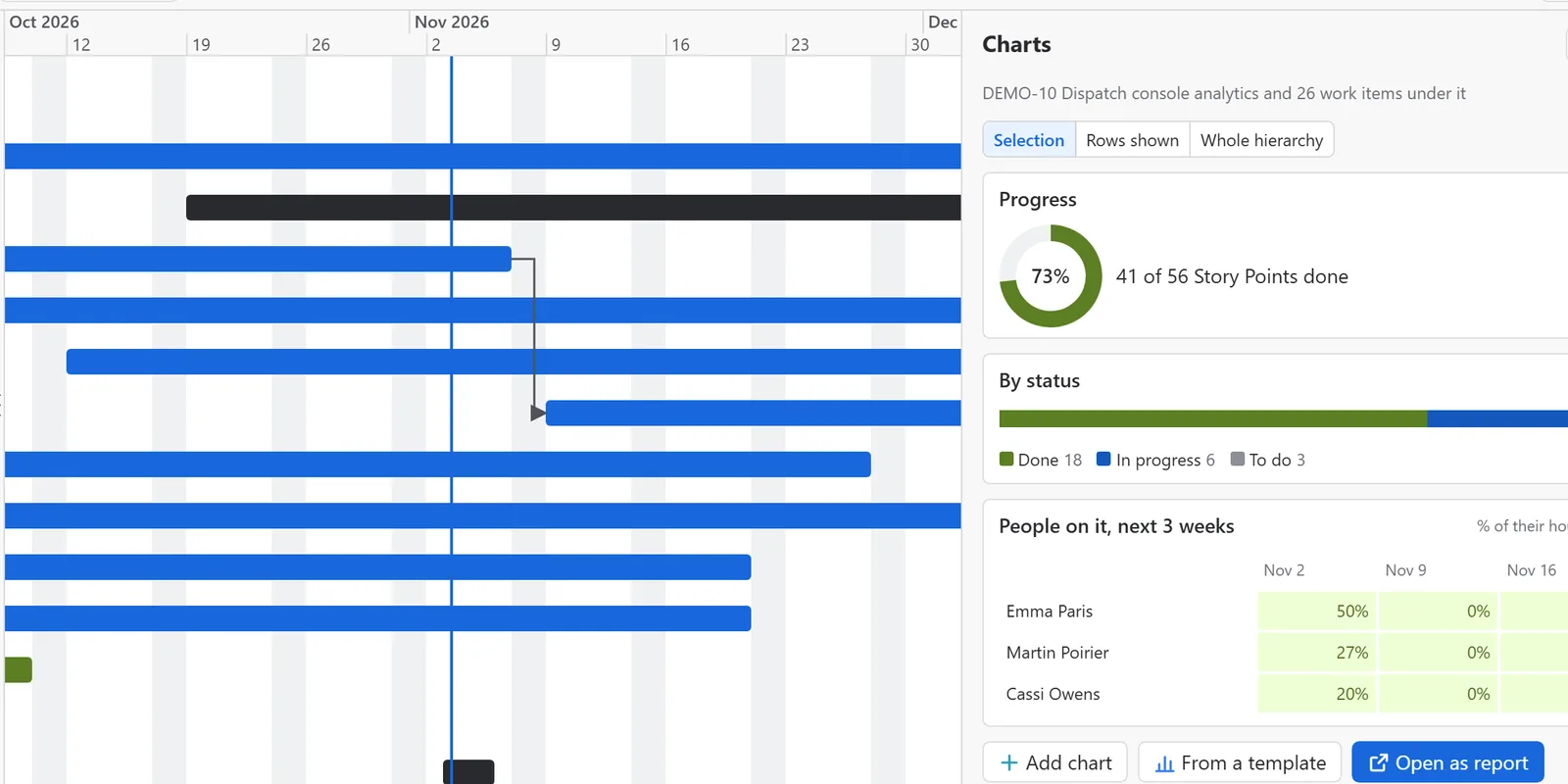
Open hierarchies from the app's own page, a project page, an issue panel or a board, and put a hierarchy or its cumulative flow chart on a dashboard. The app is available in eight languages and follows your site's light or dark theme.

Views, export and sharing

Save column sets as views and share them with groups or roles. Export to Excel, CSV or JSON, print the current view, or send a link that opens the same state.

Permissions and admin

Give View, Edit, Automate or Control per hierarchy to everyone, groups, project roles or people. Name app admins who aren't Jira admins. Set limits, a working calendar, history, backups and restores.

Rovo agent

Describe the hierarchy you want in plain words. The Hierarchy helper agent in Rovo suggests the rules and adds them once you confirm. It can also outline part of a tree so Rovo can summarize it.

A closer look

Screens from the app, with sample data.

Start from a template, or by levels

Pick a starting point: an empty tree, your own backlog, a release, a board, or the levels you work in, such as initiative, epic, story and sub-task. The rules are made for you and stay editable. You can also narrow it with JQL as you create it.

The New hierarchy dialog with five starting points: Empty, Personal backlog, Release backlog, From a board, and By levels.

Change Jira in bulk, safely

Write-backs show what would change before anything happens. They run as you, with your Jira permissions, and each run is listed so you can undo it.

A hierarchy with the Write-backs panel open, listing a comment write-back and a Shift due date by two working days write-back, each with Preview, Edit and Delete.

A settings page for each hierarchy

Each hierarchy has its own settings page, with tabs for its details, who can access it, Jira search and views. Deleting it is kept apart in a Danger zone tab.

The settings page of Product roadmap 2027, open on the Details tab, with Access, Jira search, Views and Danger zone tabs beside it.

Settings in Jira's admin area

Admins find the app's settings in Jira's admin area, grouped in one menu. A setup guide takes a new site through the license, access, limits and a first hierarchy.

The app settings with the Setup guide open, three of six steps done, and a menu grouped into Getting started, Access, Behaviour, and Data and support.

Your data stays in Atlassian

TreeCraft is built to Atlassian's Runs on Atlassian requirements. There is no PluginCraft server in the middle.

  • Stored in your Jira siteHierarchies, rules, history and settings live in Atlassian's Forge storage for your Jira site.
  • Nothing leaves AtlassianThe app makes no calls to outside servers. It has no analytics, no tracking and no outside AI services.
  • Your Jira permissions applyPeople only see and change the issues Jira already lets them see and change.
  • Logs without contentApp logs hold ids, counts and error codes. Never issue text, names or emails.

Details are in the privacy policy.

Licensing

Simple licenses, no subscriptions to track.

Free trial

Try the full app on your own Jira site.

  • 30 days per trial key
  • Up to three trials per site
  • Without a key, hierarchies stay readable and exportable

Source license

For organizations that want to deploy and run the app themselves.

  • Access to the source code
  • For the purchaser's own use only
  • Separate written agreement

Questions, a trial key or a quote? Write to info@plugincraft.ca.

Email us